

On-page SEO covers every optimization you make directly on a web page — the content itself, the HTML elements around it, and the structure holding it together — so that both search engines and readers understand exactly what the page is about. It’s called “on-page” because, unlike backlinks or technical infrastructure, everything here is fully within your control. You decide the title, the headings, the words on the page, and how it all connects to the rest of your site.
Great content that’s poorly structured or mislabeled often gets overlooked simply because search engines can’t tell what it’s about — on-page SEO is what closes that gap. And despite years of algorithm updates and the rise of AI-generated search results, the fundamentals haven’t gone away. If anything, they matter in a new way: AI systems generating summaries and citations still rely on clear titles, clean headings, and well-organized content to know what to extract and quote. This guide covers the core on-page elements worth getting right, one at a time.
What you’ll learn:
- Step 1: Optimize titles and meta tags
- Step 2: Structure content with headings
- Step 3: Link your pages together
- Step 4: Optimize your images
- Step 5: Match search intent
- Common beginner mistakes
- FAQs
- Conclusion
Step 1: Optimize Titles and Meta Tags
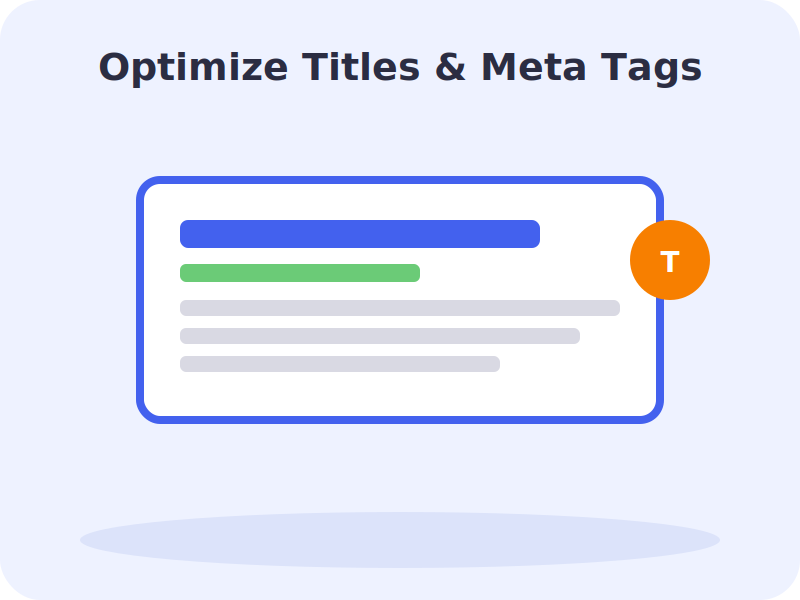
Your title tag is arguably the single most important on-page element. It’s the headline that shows up in search results, and it’s often the first — and only — thing someone reads before deciding whether to click. A few practical guidelines:
- Keep titles between roughly 50 and 60 characters — longer titles are frequently rewritten by Google
- Place your primary keyword near the beginning
- Make every title on your site unique — duplicate titles confuse both search engines and readers
- Write for clicks, not just keywords — a compelling, specific title outperforms a generic, keyword-stuffed one
Your meta description doesn’t directly influence rankings, but it strongly influences whether someone clicks your result over a competitor’s. Keep it around 150–160 characters, include your keyword naturally, and make the benefit of clicking obvious.
Google rewrites title tags roughly a third of the time — usually when they’re too long, too short, or don’t clearly match the page’s content. A tight, accurate title reduces the odds of a rewrite you didn’t choose.
URL slugs deserve the same care. Keep them short, readable, and relevant — yoursite.com/on-page-seo-guide communicates far more to both a reader and a search engine than a string of numbers or an overly long, keyword-cluttered path. It’s also worth avoiding dates in URLs unless truly necessary, since you may want to update the page later without the URL looking outdated.
Step 2: Structure Content With Headings
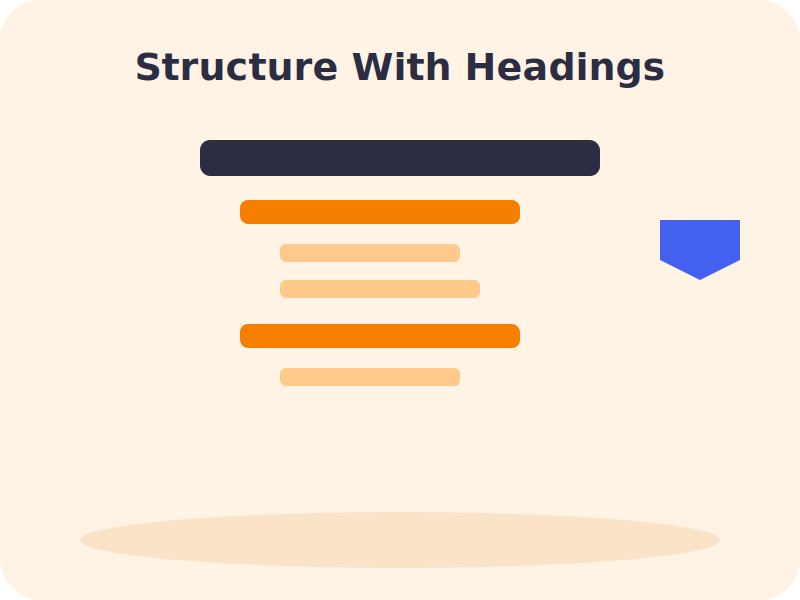
Headings do double duty: they help readers scan a page quickly, and they help search engines (and increasingly, AI systems generating summaries) understand how a page is organized. A clean structure looks like this:
- One H1 per page, containing the primary keyword — this is usually the visible page headline
- H2s for major sections, each descriptive enough to stand on its own — “Step 3: Set Your Budget” tells a reader far more than “The Next Part”
- H3s and H4s nested logically underneath, for subtopics and specific questions
Descriptive headings naturally end up containing the vocabulary related to your topic, which helps without any deliberate keyword stuffing. Think of headings as signposts — they tell a reader exactly where they are and what’s coming next, and that clarity is exactly what search engines are also trying to extract.
It’s worth resisting the temptation to write clever or vague headings for the sake of style. A heading like “Getting the Details Right” tells a skimming reader nothing about what follows, while “Step 3: Set Your Daily Budget” tells them immediately whether this section is relevant to what they need. In a world where AI tools increasingly pull specific sections out of context to answer a question, headings that can stand alone — understandable even without the surrounding paragraph — perform noticeably better.
Step 3: Link Your Pages Together
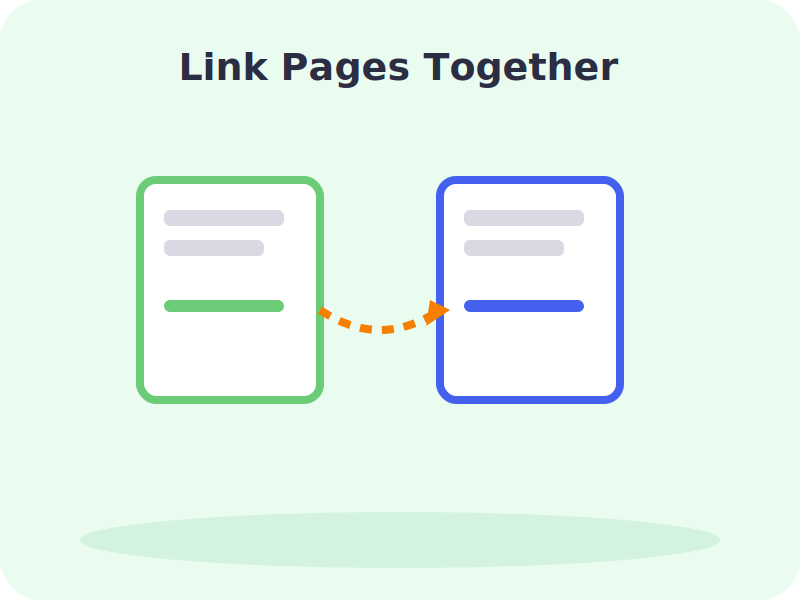
Internal links — links from one page on your site to another — help search engines discover and understand how your content connects, and they guide readers toward related topics or a next step. A commonly cited guideline is roughly 3–5 internal links per 1,000 words of content, using descriptive anchor text rather than generic phrases like “click here.”
A smart internal linking strategy does more than aid navigation — it builds topical authority by clustering related pages together, signaling to search engines that your site offers genuinely comprehensive coverage of a subject rather than a handful of disconnected posts.
A simple way to start is to build around a “pillar” page — a comprehensive, central resource on a broad topic — and link out to more specific, narrower posts that each cover one piece of that topic in depth. Those narrower posts link back to the pillar page in turn. This structure, often called a topic cluster, helps both readers and search engines navigate from a broad overview into the specific detail they actually need.
Step 4: Optimize Your Images
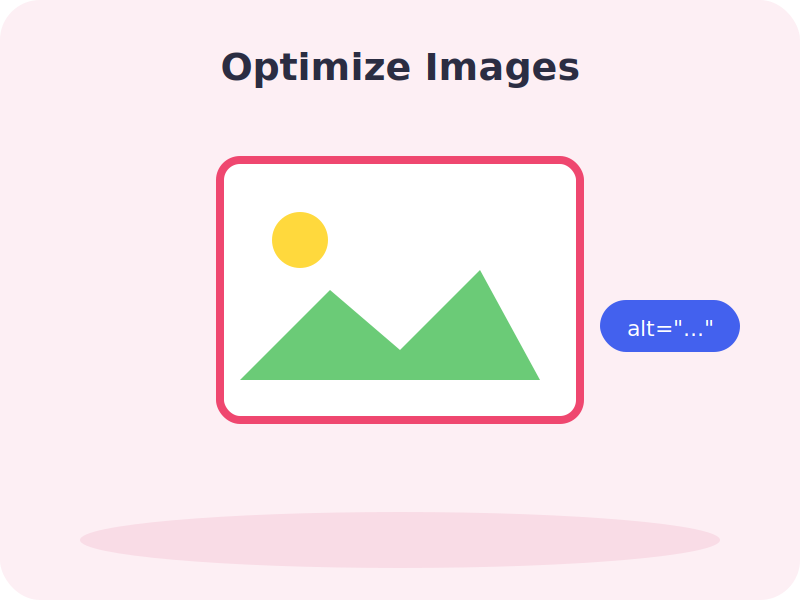
Images make content more engaging, but only when they’re handled correctly. A few essentials:
- Compress files before uploading — large, unoptimized images slow down your page, which hurts both user experience and rankings
- Write descriptive alt text that explains what the image shows in plain language, including the keyword where it fits naturally — this also makes your site more accessible to screen readers
- Use descriptive file names instead of generic strings like “IMG_2043.jpg”
- Only include images that add value — decorative clutter with no context hurts both experience and load time
Step 5: Match Search Intent
Even a perfectly optimized page underperforms if it doesn’t match what the searcher actually wants. Search queries generally fall into a few categories:
| Intent | What the searcher wants |
| Informational | An answer or explanation — “what is on-page SEO” |
| Navigational | A specific site or page — “Yoast SEO plugin” |
| Transactional | To buy or take action — “buy SEO plugin for WordPress” |
Before writing, glance at what’s currently ranking for your target keyword — the format and depth of those results tell you what searchers (and Google) expect. Writing a long educational article for a clearly transactional keyword, or a thin product page for an informational query, tends to underperform even with flawless technical execution elsewhere on the page.
It also helps to answer the core question as directly and early as possible within the relevant section, rather than building up to it slowly. Both human readers and AI systems tend to reward content that gets to the point — a clear, compact answer near the top of a section, followed by supporting detail, performs better than the same information buried three paragraphs in.
Watch: Full Video Walkthroughs
Common Beginner Mistakes to Avoid
- Keyword stuffing. Repeating a phrase unnaturally reads poorly and doesn’t help rankings the way it once did.
- Duplicate or missing title tags. Every page needs its own accurate, unique title.
- Skipping alt text. It’s a small habit that quietly compounds across a whole site.
- Writing for the algorithm instead of the reader. Content that satisfies a checklist but doesn’t genuinely help the reader rarely holds its ranking for long.
- Ignoring content structure. A wall of unbroken text, even with a great topic, gets skimmed past by both readers and search engines.
Frequently Asked Questions
Q: Is on-page SEO still important with AI-driven search results?
A: Yes — arguably more than before. AI systems rely on clear structure and well-labeled content to extract and cite accurate passages, so clean on-page SEO now also affects visibility in AI-generated answers.
Q: How long should my title tag be?
A: Roughly 50–60 characters is the safe range. Longer titles are more likely to be rewritten by Google in search results.
Q: Does meta description length affect rankings?
A: Not directly, but it strongly affects click-through rate, which is why it’s still worth writing carefully — aim for around 150–160 characters.
Q: How many internal links should a page have?
A: A common guideline is 3–5 internal links per 1,000 words, though this varies based on how naturally the links fit the content.
Q: What’s the difference between on-page and technical SEO?
A: On-page SEO covers the content and HTML elements on a specific page — titles, headings, images, links. Technical SEO covers the underlying infrastructure that helps search engines crawl and render your site, like page speed and mobile-friendliness.
Conclusion
On-page SEO is the most directly controllable part of ranking a website — every title, heading, link, and image on a page is a decision you get to make. Get the fundamentals right — accurate titles, clear headings, thoughtful internal links, optimized images, and content that genuinely matches what the searcher wants — and the rest of your SEO efforts have a much stronger foundation to build on. None of it needs to be complicated; it just needs to be done consistently, page by page.