
Despite the rise of social media, short-form video, and AI-driven ads, email remains one of the highest-return marketing channels available — commonly cited as returning somewhere between $36 and $42 for every $1 spent. Unlike social media, where an algorithm decides who actually sees your content — often as little as 3% of followers on any given post — email gives you direct access to someone’s inbox once they’ve opted in. That permission-based relationship is what makes email marketing different: it isn’t about reaching strangers, it’s about deepening a connection with people who’ve already raised their hand and said they want to hear from you.
For beginners, that can feel like a lot of pressure — what do you actually say to someone who’s chosen to give you their inbox? The good news is that email marketing rewards genuine usefulness far more than polish or cleverness. A short, honest email that delivers real value consistently will outperform an elaborately designed one that shows up sporadically. This guide walks through everything a beginner needs to start building and running an email marketing program, from your very first subscriber to your first automated sequence, without assuming any prior experience.
What you’ll learn:
- Step 1: Build your email list
- Step 2: Pick an email platform
- Step 3: Write a welcome sequence
- Step 4: Segment and automate
- Step 5: Track opens, clicks, and results
- Common beginner mistakes
- FAQs
- Conclusion
Step 1: Build Your Email List
Everything in email marketing starts with permission. A list built from genuine opt-ins — people who actively chose to sign up — will always outperform a larger list of people who never asked to hear from you. Never buy an email list; purchased lists damage your sender reputation, often violate privacy regulations, and typically result in high bounce rates and spam complaints that can hurt your ability to reach anyone.
A few reliable ways to grow your list organically:
- Signup forms on your website — in the header, footer, and within blog posts, not just one buried page
- A lead magnet — something genuinely useful offered in exchange for an email address, like a checklist, template, or short guide
- Event or membership registrations, if applicable to your organization
- A link in your email signature and social media profiles
Don’t wait for a “big enough” list before you start sending. Your first subscribers are usually your most engaged ones — send to them right away and build the habit of regular sending from day one.
It’s also worth thinking about what you’re offering in exchange for someone’s email address before you build your signup form. A vague “subscribe to our newsletter” converts far fewer visitors than a specific, tangible offer — a free checklist, a short guide, or a discount code someone can use immediately. The more clearly the offer solves a real, immediate problem for your visitor, the more signups it will generate.
Step 2: Pick an Email Platform
An email service provider (ESP) is the tool that stores your subscribers, designs your emails, and handles sending and automation. Most beginner-friendly platforms offer a generous free tier to start:
| Platform | Good for |
| Mailchimp | One of the most established, beginner-friendly options with a drag-and-drop editor |
| MailerLite | Strong free plan and easy automation — a common first recommendation for beginners |
| Klaviyo | Ecommerce-focused, with deep integration into platforms like Shopify for purchase-based automation |
| Brevo | Combines email with SMS and CRM features in one platform |
Most beginners don’t need every feature a platform offers on day one. Prioritize ease of use and a solid free plan over advanced features you won’t touch for months — you can always migrate once your list and needs grow.
Step 3: Write a Welcome Sequence
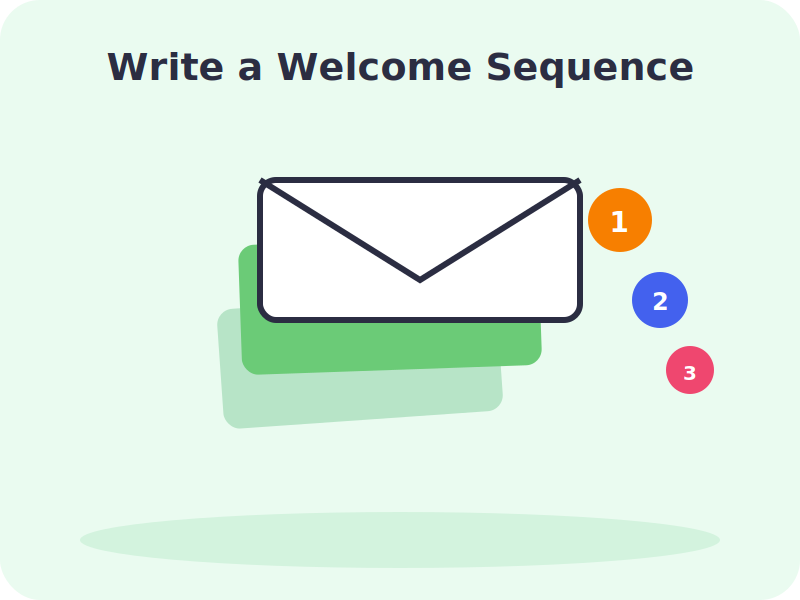
Your welcome sequence is often the best-performing automation you’ll ever set up, simply because subscribers are most engaged right after signing up — they just made a decision to hear from you, and that attention fades quickly if left unused. A simple beginner-friendly sequence looks something like this:
- Email 1 — sent instantly: introduce yourself, confirm what they’ll receive, and deliver on whatever you promised (the lead magnet, the discount, the resource).
- Email 2 — sent 1–2 days later: share your most valuable piece of content or your best resource.
- Email 3 — sent 2–3 days later: tell your story or explain what makes your business or perspective different.
- Email 4 — sent 3–5 days later: a soft call to action — an offer, a next step, or an invitation to engage further.
This sequence warms up new subscribers before they start receiving your regular campaigns, so by the time your standard newsletter arrives, they already know who you are and why they subscribed.
Step 4: Segment and Automate
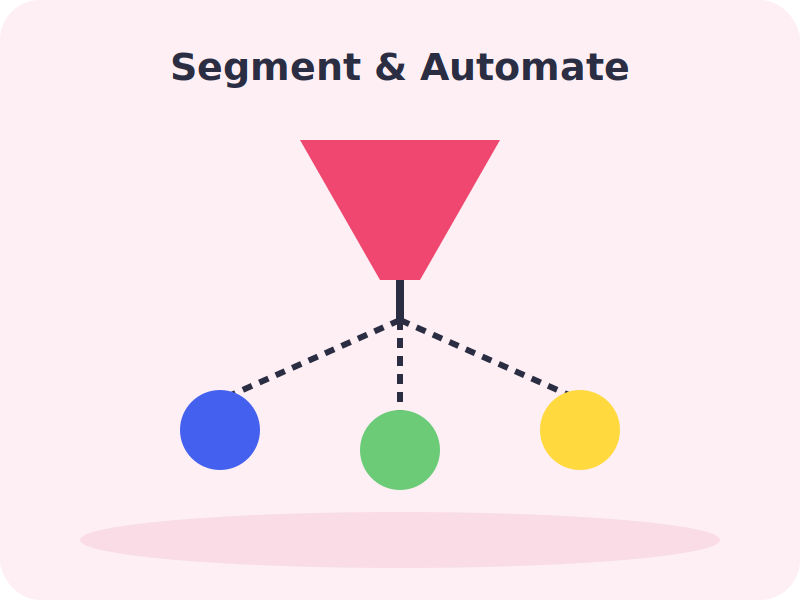
Sending the same email to your entire list is one of the most common mistakes as a list grows. Segmentation — dividing subscribers into smaller groups based on their interests, behavior, or purchase history — is one of the biggest drivers of higher open rates and conversions. A few simple ways to start segmenting:
- By how they signed up (which lead magnet or page brought them in)
- By engagement level (recently active vs. inactive subscribers)
- By purchase history, if you sell products
- By stated interests, if your signup form asks for preferences
Once segments exist, automation can send the right message to the right group automatically — a re-engagement email to inactive subscribers, a product recommendation based on a past purchase, or a reminder to someone who started but didn’t finish signing up for something.
Segmentation and automation work best together rather than as separate projects. Start simple: a single automated flow, like the welcome sequence, targeted at everyone new, is enough to begin with. As you learn more about your subscribers’ behavior — which links they click, which products they buy, which emails they ignore — you can layer in more specific segments and automations gradually, rather than trying to build an elaborate system before you’ve sent your first real campaign.
Step 5: Track Opens, Clicks, and Results
It’s tempting to fixate on open rate alone, but a broader set of numbers tells the real story:
- Open rate — how many people opened the email, though this metric has become less reliable as privacy features affect tracking
- Click-through rate — how many people clicked a link inside the email, a stronger signal of real interest
- Conversion rate — how many completed the action you actually wanted, like a purchase or signup
- Unsubscribe rate — a rising unsubscribe rate is often a sign you’re sending too often, or the content isn’t matching expectations
Use these numbers to test and refine over time — subject lines, send times, and content — rather than treating your first email design as final. Most platforms make basic A/B testing simple, even on free plans.
It’s worth checking your results on a regular rhythm — say, after every campaign and then again monthly — rather than staring at numbers the moment an email goes out. Early performance can be misleading, since opens and clicks trickle in over hours and even days. A monthly view also makes it easier to spot real trends, like a subject line style that consistently outperforms others, rather than reacting to noise from any single send.
Watch: Full Video Walkthroughs
Common Beginner Mistakes to Avoid
- Buying an email list. It damages deliverability and sender reputation, and often violates privacy regulations.
- Sending without a plan. Random, sporadic emails train subscribers to ignore you — consistency builds the habit of opening your emails.
- Treating every subscriber the same. Generic, unsegmented emails perform worse as a list grows and interests diverge.
- Ignoring mobile design. Most emails are opened on a phone, so cluttered layouts and tiny text quietly kill engagement.
- Over-emailing. Too many emails, too often, is one of the fastest ways to drive unsubscribes — value-first content performs better long term than frequency alone.
Frequently Asked Questions
Q: How often should I send marketing emails?
A: There’s no universal number, but consistency matters more than frequency. Weekly or biweekly is a common, sustainable starting cadence for most beginners.
Q: Do I need a large list to get started?
A: No. Start with even one subscriber and build the sending habit early — your first, most engaged subscribers matter more than list size at the beginning.
Q: What’s a good open rate for a beginner?
A: It varies significantly by industry, but many niche and community-focused senders see open rates well above 40–50%. Focus on your own trend over time rather than comparing to unrelated industries.
Q: Is email marketing still effective with social media so dominant?
A: Yes — unlike social platforms, where algorithms limit how many followers see a post, email delivers directly to an inbox, making it one of the more reliable channels available.
Q: Do I need design skills to create good emails?
A: No. Most ESPs offer drag-and-drop editors and templates, and simple, text-based emails often perform just as well as heavily designed ones, especially for building a personal connection.
Conclusion
Email marketing comes down to a straightforward loop: build a permission-based list, choose a platform that fits your needs, welcome new subscribers well, send relevant content to the right segments, and use real metrics to keep improving. It doesn’t require a big list or a big budget to start — just consistency and genuine value in every send. Begin with your very first subscriber, set up a simple welcome sequence, and let the data guide how you grow from there.